
SMS Consent & Opt-In
Action Units uses SMS messages only for account verification and login authentication. No marketing or promotional SMS messages are sent at this time.
How Users Opt In
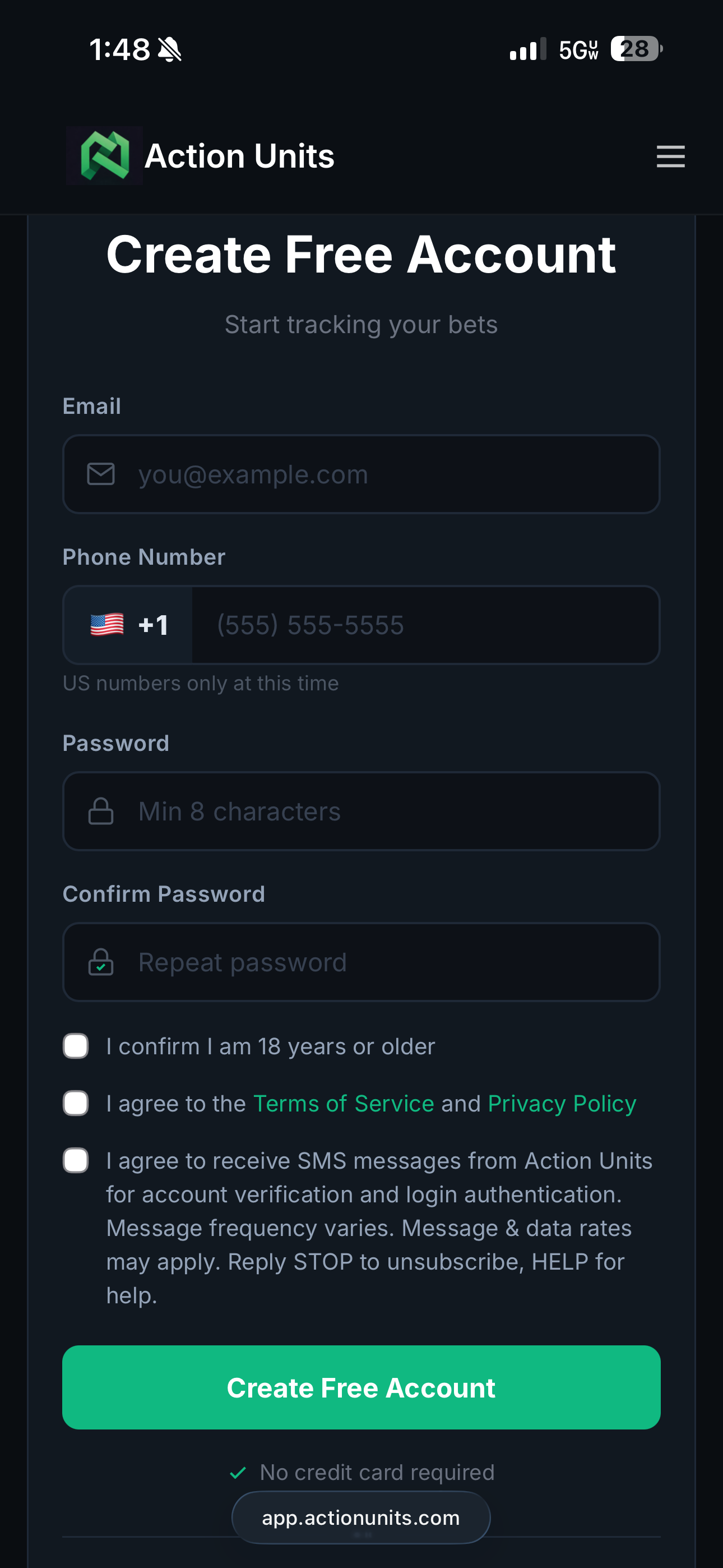
Users opt in during account registration by completing all of the following steps:
- The user enters their US phone number in the required phone number field
- The user explicitly checks the required SMS consent checkbox (unchecked by default)
- The user submits the registration form
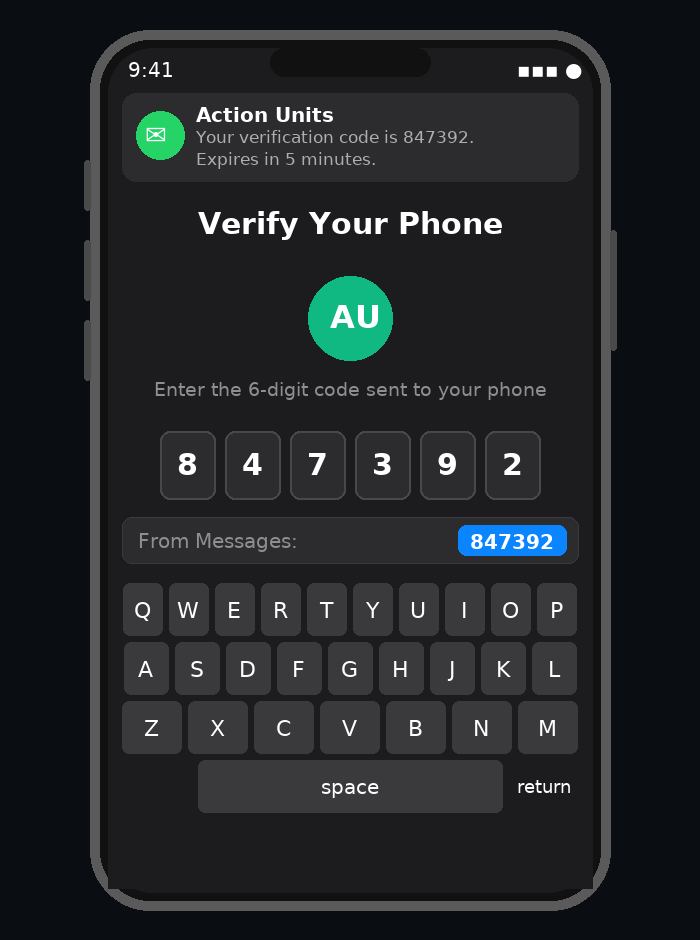
- Action Units sends a one-time 6-digit verification code by SMS; the user receives and enters that code on the phone verification screen to activate their account
Consent Checkbox Language
The following exact text is displayed as a standalone, required, unchecked checkbox on the account registration page:
Message Purpose
SMS messages sent by Action Units are used strictly for account verification and login authentication. These messages are transactional in nature and are not used for marketing, promotions, betting alerts, or account update campaigns.
Sample SMS Message
The following is an example of an SMS message a user may receive after opting in:
Opt-Out
Users may opt out of SMS messages at any time by replying STOP to any message received from Action Units. Users may reply HELP for assistance.
Signup Flow Example
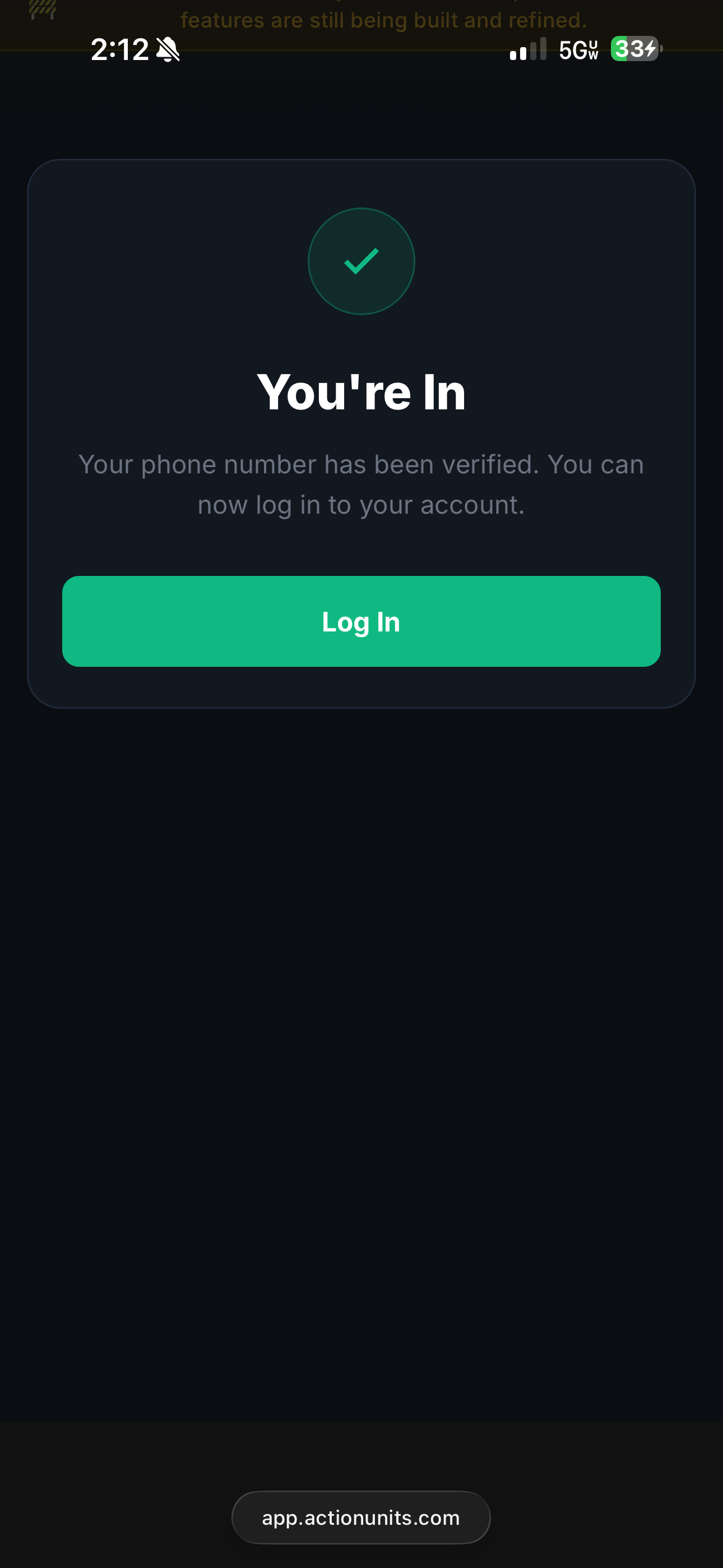
The following screenshots show the actual Action Units product flow where users provide consent and verify their phone number.
Contact & Support
For questions about SMS messaging or to request opt-out assistance, please contact us at support or reply STOP to any message you receive.